
Minimize Message Time
to Optimize Connection Time
Let's create your most-used message using KelKom.
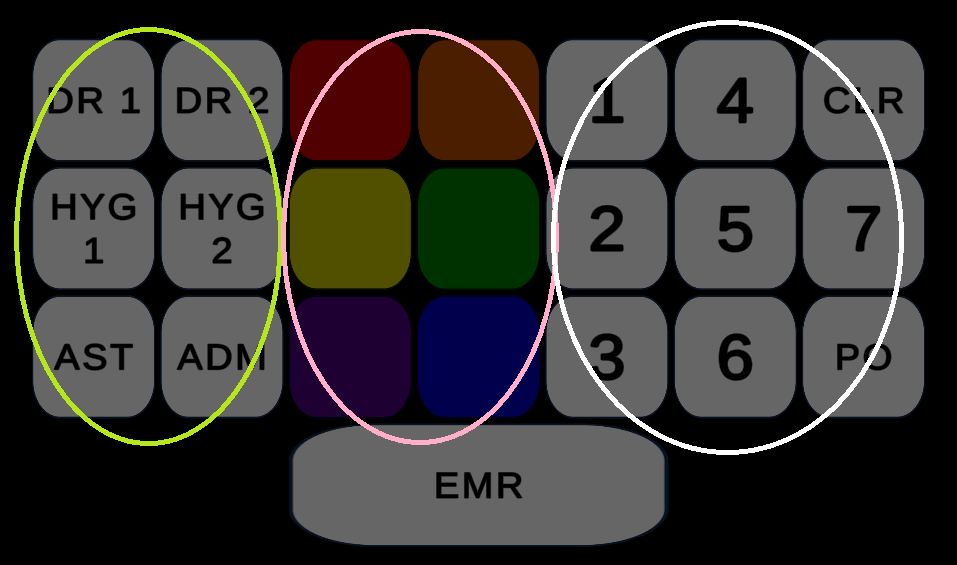
Using the panel on the right, visualize your message:
- WHO: Person Required (light green oval) – DR #1, Hygienist #2, Assistant, Admin, etc.
- WHAT: The Workflow Action (pink oval) – Green for “Patient Ready”, Violet for “Perio Map”, etc.
- WHERE – the Room(s) Involved (white oval) – Room #1, OP #5, Private Office, etc.
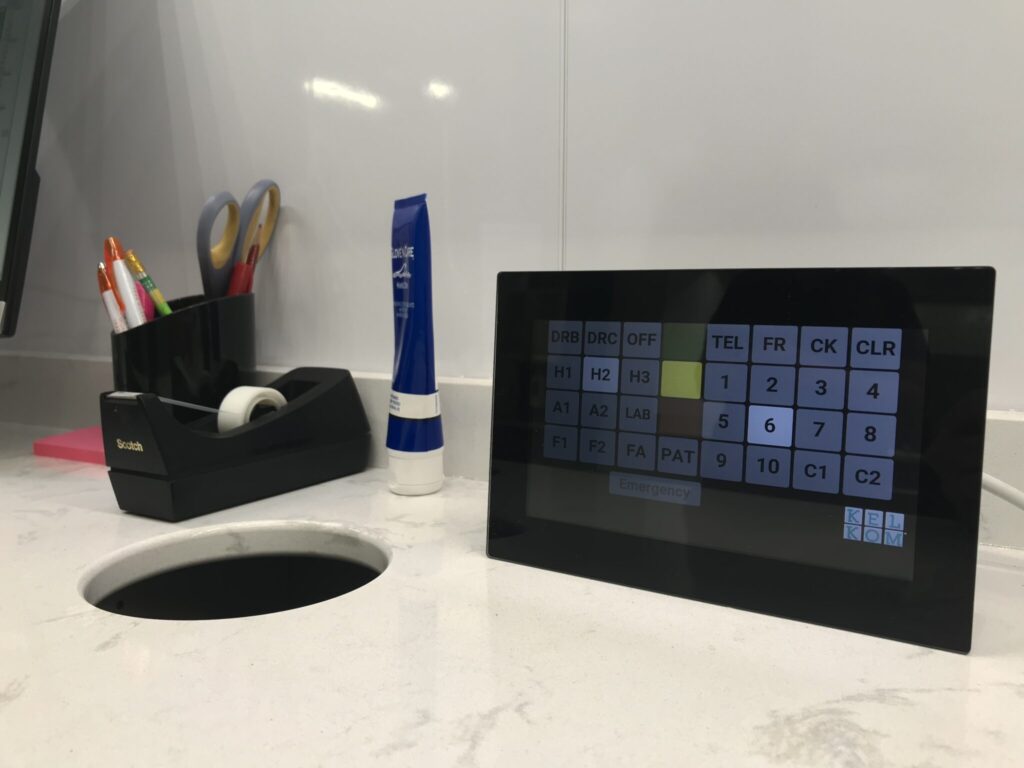
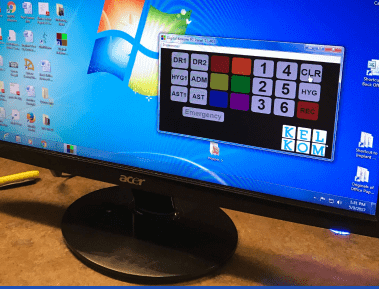
Each button displays and chimes in real-time across all screens.
The person required presses CLEAR to acknowledge “message received”.
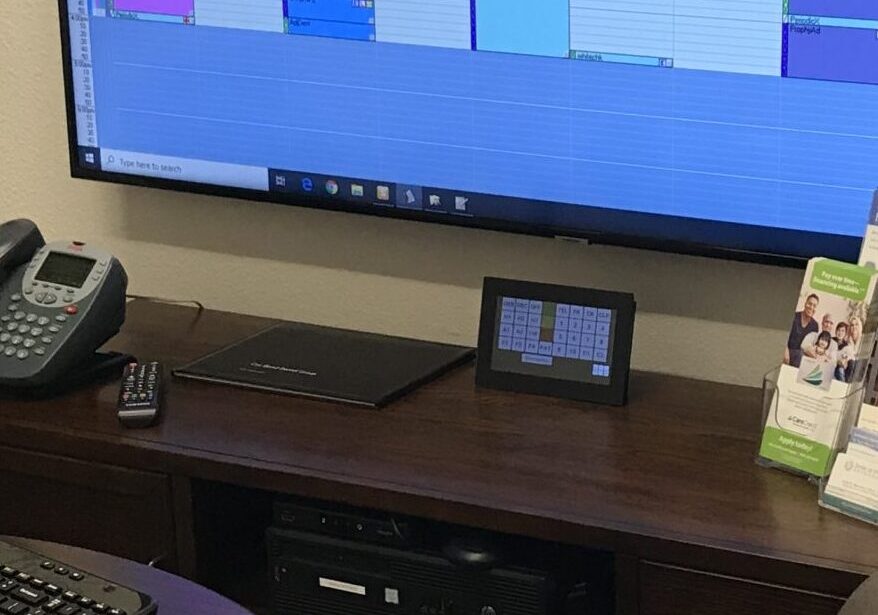
Actual In Office Use-Case – “Assistant #1 needed for Perio Map in Room #5.”
- WHO – Assistant #1. Across the entire system, the AST1 button lights up & chimes.
- WHAT – Violet. This practice defined violet as “Patient Ready for Perio map”.
- WHERE – Room #5.
Then Assistant #1 presses CLEAR to acknowledge.
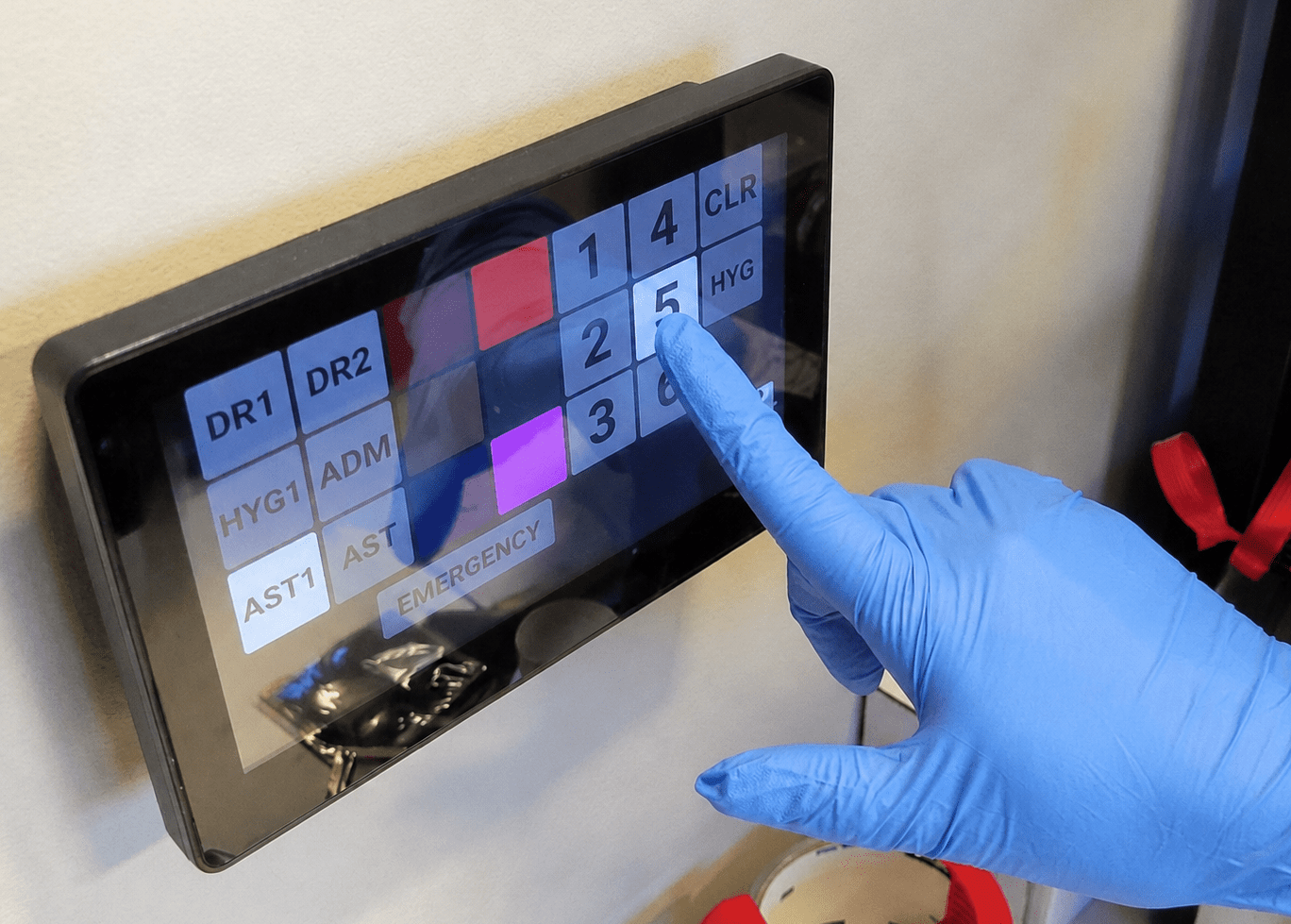
Actual In Office Use-Case – “Assistant #1 needed for Perio Map in Room #5.”
- WHO – Assistant #1. Across the entire system, the AST1 button lights up & chimes.
- WHAT – Violet. This practice defined violet as “Patient Ready for Perio map”.
- WHERE – Room #5.
Then Assistant #1 presses CLEAR to acknowledge.
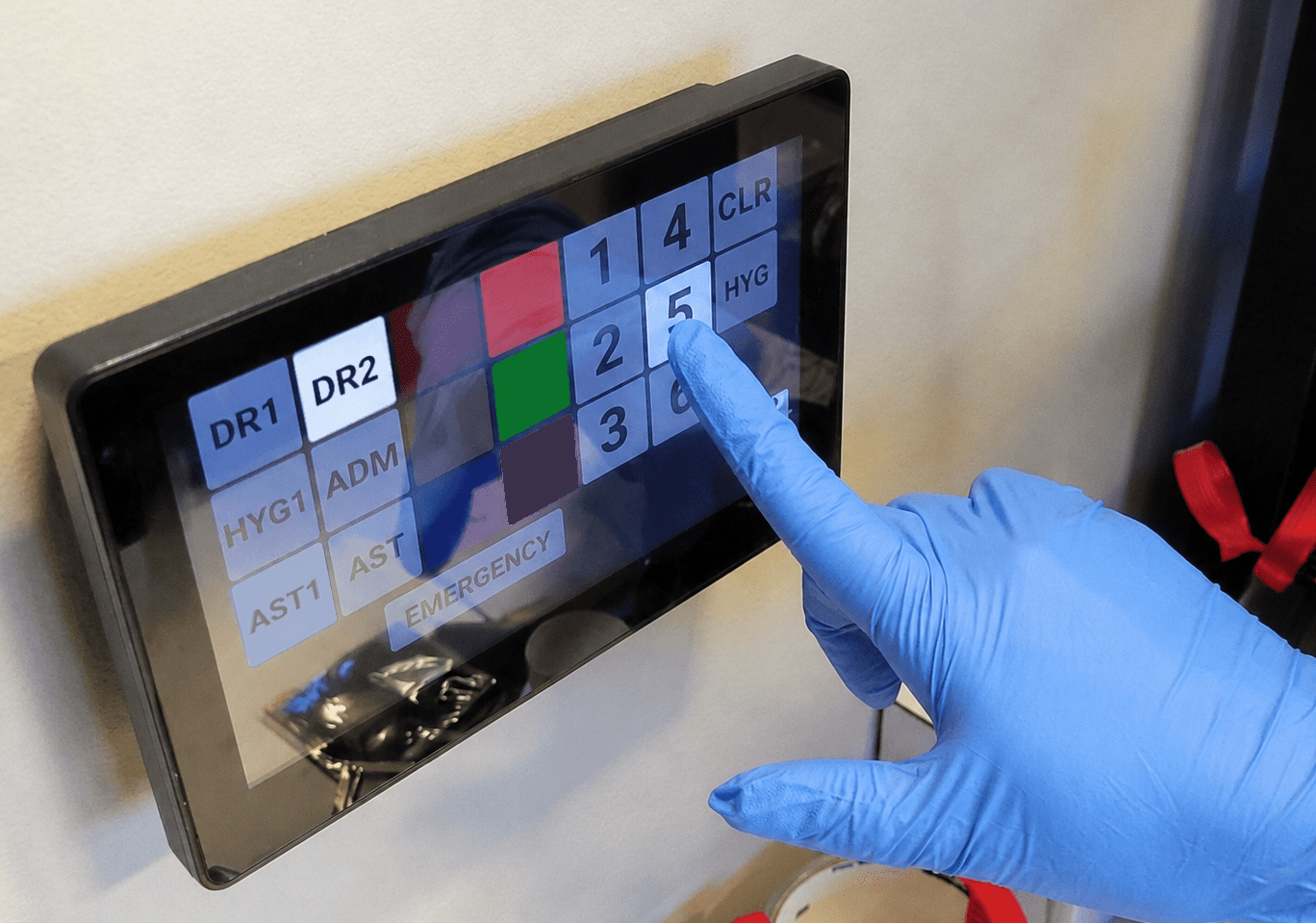
Meanwhile the rest of the office continues their work, since their chime didn’t play.
- Only the right person glances at the closest display;
- They walk over and acknowledge the message (by pressing CLEAR, RED, etc.
- You know the message was received, AND
- The system is now ready for the next message.
That took 2.5 seconds from start to finish, & you’re right back where you belong: connecting with your patients.
Step into your next level of care.

Expand beyond KelKom’s Novice, BasicPage capabilities…
…To allow more time with each patient…
- Prioritize providers with their own room schedules, including room-turn sterilization.
- Manage up to 10 concurrent messages.
- Choose between automated or manual “reminder chimes” for unanswered messages.
- Toggle between “patient flows” mode and “message / required” mode.
- Keep track of whose patients are ready.
- Users can call for assistance either “when convenient” or “urgent.”
FlexPanel – KelKom’s Unified, All-Platform Solution
- KelKom FlexPanel™ delivers the KelKomParadigm™ experience wherever you want, using the devices you choose.
- Your individual device communicates with all the other KelKom apps on the office network — both wireless and wired.
- You choose the system hardware configuration to best match how YOU manage your patient flows – Typically a mix of Tablets and Desktops.
- Users can change devices for just the cost of the new device without disturbing the software license.
- Customize your team experience with unique alert chimes for each staff member.
NOTE on Bottom-Right image: Many of our customers use stethoscopes – particularly DDS MD OMS, and our DVM & MD customers!